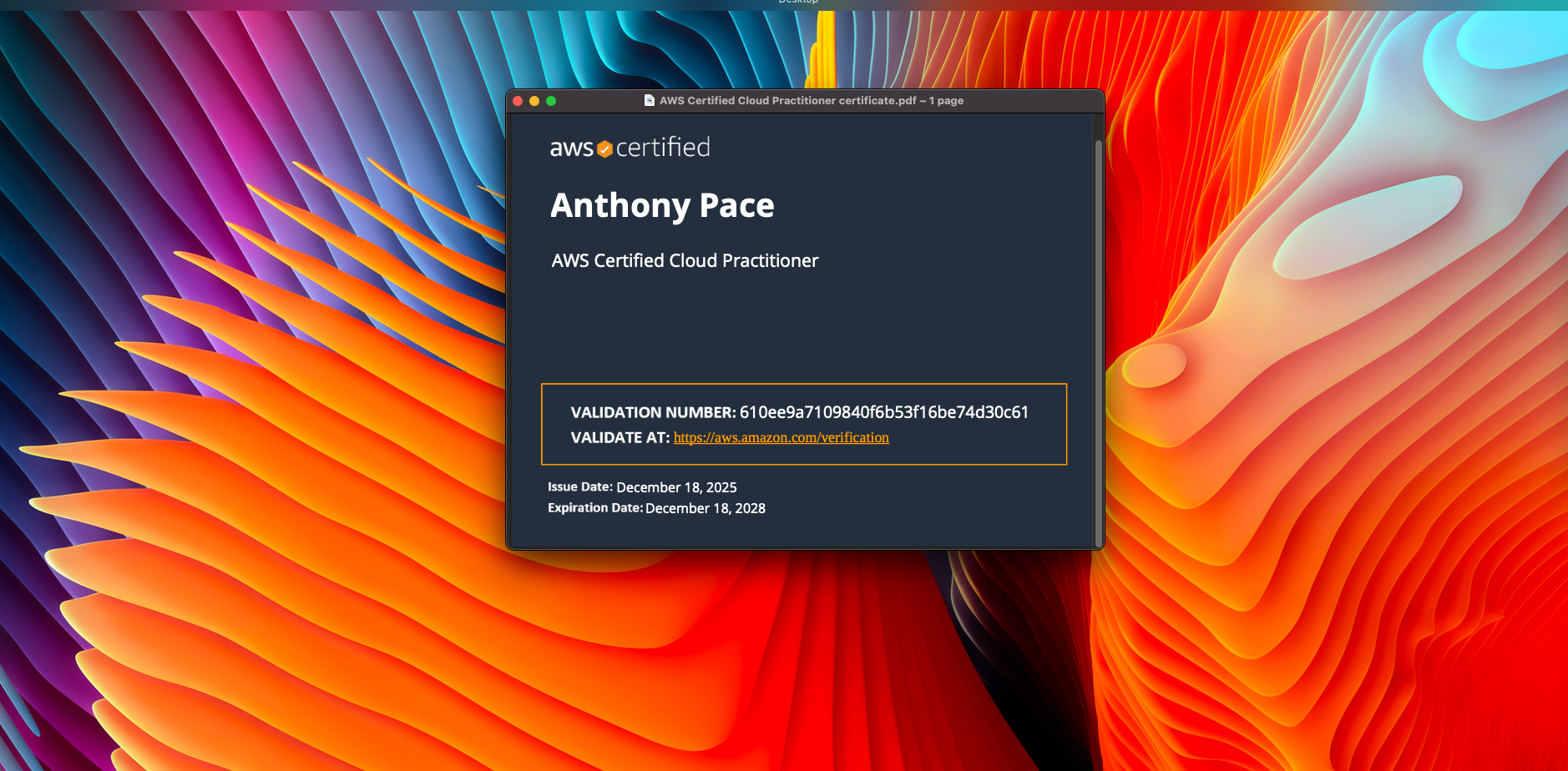
I wanted an easy win on this exam, without turning it into a long project.
Cloud Practitioner is not a deep technical test. It is mostly about understanding AWS at a high level, knowing what the core services do, and being comfortable with billing, support plans, and the shared responsibility model.
Here is how I prepared.
Step 1: I used the exam guide as my checklist
Before I watched anything, I pulled up the official exam guide and treated it like a scope document.
If something was on the guide, I studied it. If it was not on the guide, I did not go down the rabbit hole.
That one decision saved me a lot of time.
Step 2: I learned AWS in “service groups”
Trying to memorize individual services is painful. It clicked for me when I grouped things by category and learned the role each category plays.
My main buckets were:
- Compute: EC2, Lambda
- Storage: S3, EBS, EFS
- Databases: RDS, DynamoDB
- Networking: VPC, Route 53, CloudFront
- Security: IAM, KMS, shared responsibility model
- Monitoring: CloudWatch
- Billing: pricing models, free tier, Cost Explorer, support plans
Once you can explain these things, most questions stop feeling tricky.
Step 3: Practice questions became the real study plan
After I had the basics, I moved to practice exams earlier than I expected.
I did not use them to “see my score.” I used them to find my weak spots.
Every wrong answer turned into a quick note:
- What was the correct answer?
- Why was my answer wrong?
- What is the simple rule that would help me next time?
That loop is where most of my improvement came from.
I used ChatGPT to generate practice exams, one question at a time. I could answer by typing in a letter choice. I would then ask it to explain each answer options, whether I got it wrong or correct.
Step 4: I focused hard on billing and security
If you ignore billing and security, you can feel confident and still miss a lot of easy points.
I made sure I was solid on:
- Shared responsibility model
- IAM basics (users, groups, roles, policies, least privilege, MFA)
- Pricing basics (On Demand vs Reserved Instances vs Savings Plans)
- What is included in the free tier
- Support plan differences
Step 5: I made exam day simple
I did some boring preparation the day of the exam. Clean desk, quiet room, testing software working, ID ready, no weird tech surprises. A few days before, I had to borrow a laptop because my ten-year-old MacBook was too old to run the testing software. The goal was to spend my energy on the questions, not on setup problems. I was worried about losing internet (that happened once before, years ago), but it turned out fine.
The digital proctor had me spin my laptop camera around to check the room. He had me move a few things from my mostly empty desk, like a pack of tissues
If you are studying now
Do not overcomplicate it. Learn the high level purpose of the services, drill practice questions, and tighten up billing and security.
That is the path that worked for me.