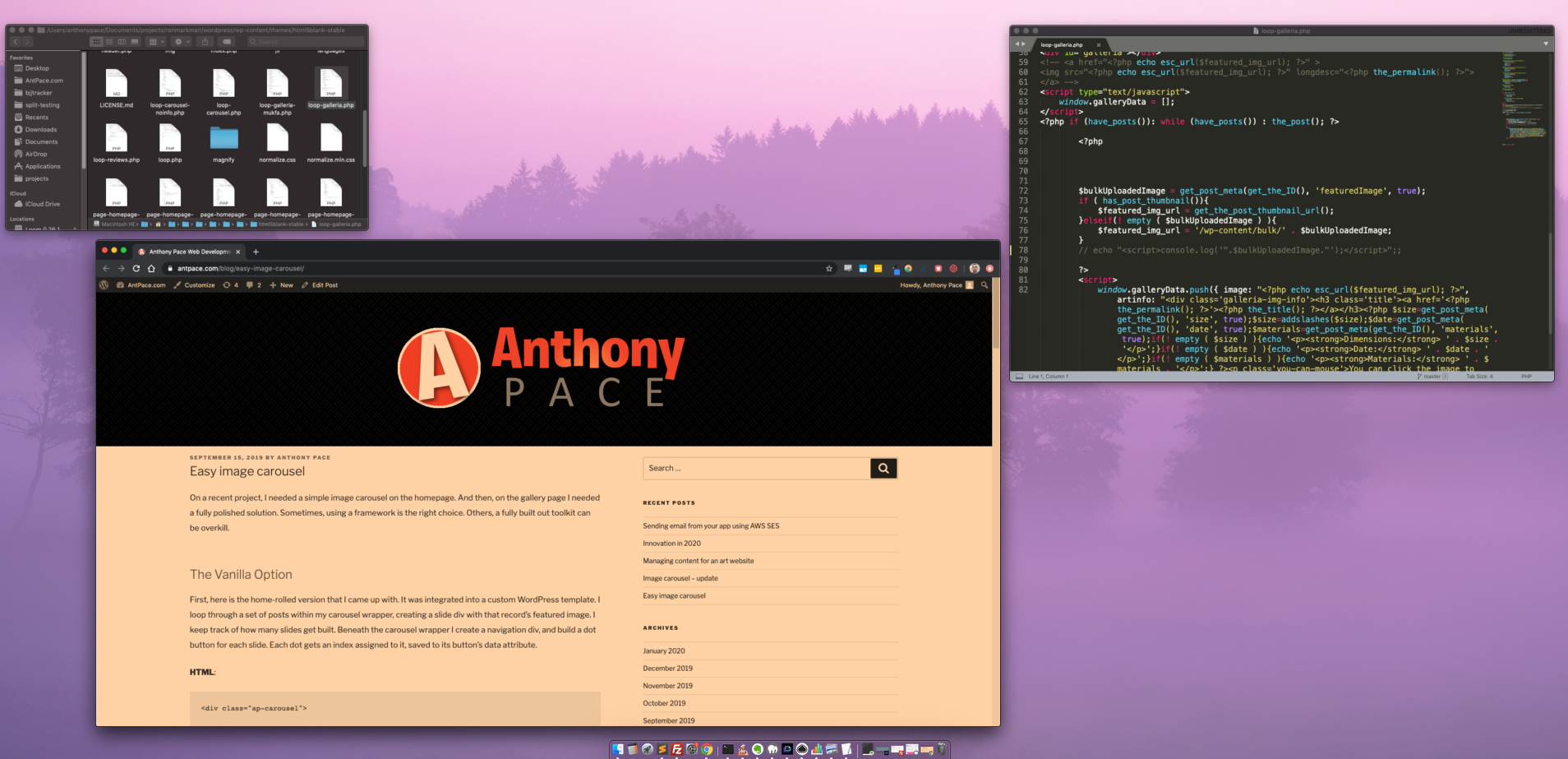
In a previous post, I wrote about creating an image carousel using basic web tech: HTML, CSS, and vanilla JavaScript. No frameworks, no jQuery. This is an update to that. The major difference is that it supports multiple carousels on the same page. I also added a try/catch, in case no carousel data is found in the database. I recently used this implementation on a WordPress site. Each carousel was a post (of a custom carousel post-type), that had each image attached. On that post-type archive page, I looped through the posts, and created a separate carousel for each.
Here is the updated JavaScript.
try{
    var galleries = document.getElementsByClassName("carousel-class");
    for(var i = 0; i < galleries.length; i++){
        showGalleries(galleries.item(i), 0);
    }
}catch(e){
    console.log(e);
}

function showGalleries(gallery, galleryIndex){
    var galleryDots = gallery.getElementsByClassName("dot-button");
    var gallerySlides = gallery.getElementsByClassName("my-slide");
    if (galleryIndex < 0){galleryIndex = gallerySlides.length-1}
    galleryIndex++;
    for(var ii = 0; ii < gallerySlides.length; ii++){ gallerySlides[ii].style.display = "none"; galleryDots[ii].classList.remove('active-dot'); } if (galleryIndex > gallerySlides.length){galleryIndex = 1}
    gallerySlides[galleryIndex-1].style.display = "block";
    var resizeEvent = new Event('resize');
    window.dispatchEvent(resizeEvent);
    galleryDots[galleryIndex-1].classList.add('active-dot');
    //hide gallery navigation, if there is only 1
    if(gallerySlides.length < 2){
        var dotContainer = gallery.getElementsByClassName("dots");
        var arrowContainer = gallery.getElementsByClassName("gallery-arrows");
        dotContainer[0].style.display = "none";
        arrowContainer[0].style.display = "none";
    }
    gallery.setAttribute("data", galleryIndex);
}

//gallery dots
document.addEventListener('click', function (event) {
    if (!event.target.matches('.carousel-class .dot-button')){ return; }
    var index = event.target.getAttribute("data");
    var parentGallery = event.target.closest(".carousel-class")
    showGalleries(parentGallery, index);

}, false);

//gallery arrows

//left arrow
document.addEventListener('click', function (event) {
    if (!event.target.matches('.fa-arrow-left')){ return; }
    var parentGallery = event.target.closest(".carousel-class")
    var galleryIndex = parentGallery.getAttribute("data");
    galleryIndex = galleryIndex - 2;

    showGalleries(parentGallery, galleryIndex);
}, false);

//right arrow
document.addEventListener('click', function (event) {
    if (!event.target.matches('.fa-arrow-right')){ return; }
    var parentGallery = event.target.closest(".carousel-class")
    var galleryIndex = parentGallery.getAttribute("data");

    showGalleries(parentGallery, galleryIndex);
}, false);
You’ll notice that each carousel section has a data attribute assigned, so our JS knows which one to affect. This version also includes left and right navigation arrows, in addition to the navigation dots we already had.
HTML:
<div class="ap-carousel" data="0">

<?php $num_slides = 0; foreach($posts as $post){ $num_slides++; ?>

	<div class="ap-slide">
		<a href="<?php the_permalink($post->ID); ?>" title="<?php the_title(); ?>">
			<img src="<?php echo esc_url(get_the_post_thumbnail_url($post->ID)); ?>" class="zoom">
		</a>
	</div>

<?php } ?>
<div class="nav-dots">
	<?php $active = "active-dot"; for($x = 0; $x < $num_slides; $x++){ ?>
		<div class="dot"><button data="<?php echo $x; ?>" type="button" class="dot-button <?php echo $active; $active = ''; ?>">b</button></div>
	<?php } ?>
</div>
<div class="gallery-arrows">
    <i class="fas fa-arrow-left"></i>
    <i class="fas fa-arrow-right"></i>
</div>


</div>
I emphasize simplicity when building solutions. I avoid including superfluous code libraries when a vanilla technique works. It’s helpful to keep track of solutions I engineer, and try to reuse them where they fit. And when they need to be adjusted to work with a new problem, I enhance them while still trying to avoid complexity.